10 Best Data Visualization Tools for Business Intelligence (2026)
Advertisement
10 Best Data Visualization Tools (2026)
Modern Business Intelligence (BI) software leverages artificial intelligence, natural language querying, and robust API connectors to pull live data from virtually any source. Ensuring that the visualization tools you choose comply with secure data handling protocols is vital, a topic heavily detailed by the NIST Computer Security Resource Center. Additionally, maintaining accessible design standards for your web-embedded charts is recommended by the W3C Web Accessibility Initiative.
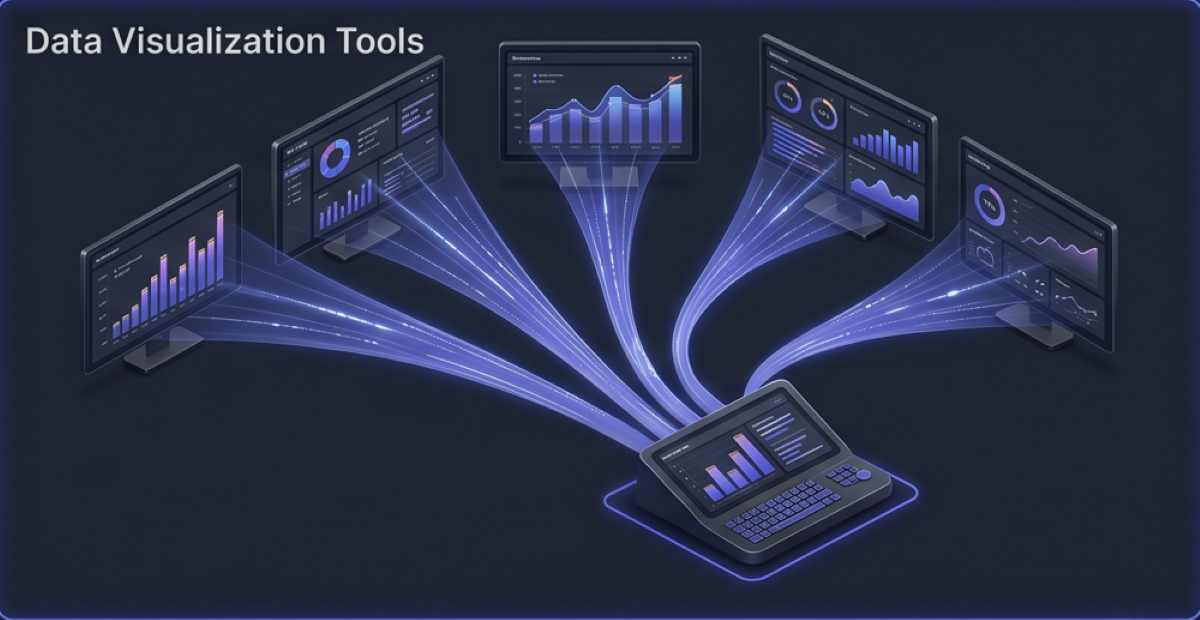
We have carefully evaluated the leading analytics platforms to bring you the ten best data visualization tools available today, focusing on integration capabilities, visual clarity, and ease of use for both data scientists and marketing professionals.
1. Tableau
Tableau (a Salesforce company) is the undisputed heavyweight champion of the data visualization world. It is highly favored by data scientists and enterprise analysts for its incredible depth and visual fidelity.
- AI-Powered Predictions: Uses built-in predictive modeling to forecast data trends visually, identifying market risks or growth opportunities before they fully materialize.
- Tableau Prep: Includes robust data preparation features that simplify joining, filtering, and cleaning messy datasets before visualization begins.
- Real-Time Refresh: Connects to live databases and massive cloud data warehouses, refreshing interactive dashboards instantly to support operations teams.
2. Microsoft Power BI
For organizations already entrenched in the Microsoft ecosystem, Power BI is an unparalleled choice. It offers enterprise-grade analytics at a highly competitive price point, scaling effortlessly from SMBs to Fortune 500s.
- Natural Language Queries: Features a Q&A tool that allows users to type simple questions (e.g., "What were Q3 sales by region?") and instantly generates the appropriate chart.
- Deep Integration: Connects flawlessly with Excel, Azure, and Teams, allowing users to embed live dashboards directly into collaborative workspaces.
- Product Link: Discover their full suite of enterprise analytics capabilities directly at Microsoft Power BI.
3. Qlik (Qlik Sense)
Qlik stands out in the crowded BI space due to its unique "Associative Engine," which allows users to explore data freely in any direction rather than following pre-defined, linear query paths.
- Associative Search: Highlights unexpected data relationships automatically, helping marketers and analysts uncover hidden insights that traditional SQL queries miss.
- Collaborative Workspaces: Enables teams to share insights and co-author visual analytics dashboards in real time.
- Smart Alerts: Triggers automated, data-driven alerts based on sudden shifts in KPIs, notifying stakeholders instantly.
4. Miro
While often categorized as a digital whiteboard, Miro has evolved into a powerful collaborative platform for visualizing structured datasets, mind-mapping, and creating interactive data presentations.
- Infinite Canvas: Provides a boundless workspace to map complex data architectures, user journeys, and agile project management flows.
- Real-Time Collaboration: Features live cursors and instant commenting, making it the perfect tool for remote cross-functional teams interpreting data together.
- Extensive Templates: Offers hundreds of pre-built templates specifically designed for data flow diagrams and strategic planning.
5. Looker Studio
Formerly known as Google Data Studio, Looker Studio is a free, highly accessible tool perfect for digital marketers who need to visualize web traffic and ad campaign performance.
- Native Google Connectors: Pulls live data seamlessly from Google Analytics, Google Ads, and Search Console with zero configuration required.
- Report Sharing: Shares dashboards exactly like Google Docs, allowing stakeholders to view or edit reports instantly via a simple web link.
- Custom Styling: Easily apply your company's brand colors, logos, and typography to create highly professional client-facing marketing reports.
6. Dundas BI
Dundas BI is an incredibly flexible, enterprise-ready platform that excels at embedded analytics. It is often used by software developers wanting to build white-labeled dashboards directly into their own SaaS products.
- Highly Customizable: Offers complete programmatic control over every visual element, allowing developers to create highly bespoke charts that match their application's UI perfectly.
- Interactive Scorecards: Builds complex scorecards that let executives track high-level metrics at a glance while retaining drill-down capabilities.
- Open API: Features a robust, open API architecture that connects to virtually any proprietary database or legacy system.
7. Datawrapper
Datawrapper is a specialized, no-code tool explicitly built for journalists, bloggers, and content marketers who need to publish clean, responsive charts and maps on the web.
- No-Code Simplicity: Simply paste your CSV data into the web app, and the tool generates embeddable, production-ready charts in seconds.
- Mobile Responsiveness: Automatically optimizes visualizations to display perfectly on smartphones without requiring manual layout adjustments.
- Colorblind-Safe Design: Includes built-in accessibility checkers that alert you if your chosen color palette will be unreadable to colorblind users.
8. Plotly
Plotly is the go-to platform for data scientists and engineers who work heavily in Python, R, or Julia. It bridges the gap between complex coding environments and interactive web visualization.
- Dash Enterprise: Allows developers to build highly complex, interactive analytical web applications entirely in Python without needing to know HTML or CSS.
- Open Source Libraries: Provides incredibly robust open-source graphing libraries for creating 3D charts, statistical graphs, and scientific visuals.
- AI and ML Integration: Effortlessly handles massive datasets generated by machine learning models and AI predictive algorithms.
9. RAWGraphs
RAWGraphs is an open-source data visualization framework built to make the visual representation of complex data easy for everyone, operating as the missing link between spreadsheets and vector graphics editors.
- High Customization: Exports visualizations as scalable vector graphics (.SVG), allowing designers to open them in Adobe Illustrator for pixel-perfect stylistic refinements.
- Privacy-Focused: Processes all data locally in your web browser. Your sensitive datasets are never uploaded to an external server.
- Unique Chart Types: Specializes in complex, non-standard visual layouts like alluvial diagrams, dendrograms, and circular packing charts.
10. Sisense
Sisense is an API-first analytics platform designed to infuse data directly into workflows and customer-facing applications, making it highly valuable for product teams.
- In-Chip Technology: Bypasses traditional RAM limitations by leveraging the CPU cache directly, processing massive datasets significantly faster than traditional tools.
- AI-Driven Analytics: Uses machine learning to push anomaly detection alerts directly to users via Slack, email, or custom webhooks.
- Embedded BI: Allows companies to deeply embed analytics widgets into their own software products with customizable, white-labeled UI elements.
FAQs
What is data visualization?
Data visualization is the graphical representation of information and data. By using visual elements like charts, graphs, and maps, data visualization tools provide an accessible way to see and understand trends, outliers, and patterns in raw data.
Do I need to know SQL or Python to use these tools?
No. While tools like Plotly cater specifically to developers, platforms like Tableau, Power BI, and Datawrapper feature intuitive, drag-and-drop interfaces. This allows marketing professionals and business analysts to create complex dashboards without writing a single line of code.
What is the difference between a dashboard and a report?
A report is typically a static, historical document (like a PDF) that shows what happened in the past. A dashboard is an interactive, live-updating interface that allows users to filter, drill down, and explore real-time data to answer specific business questions on the fly.
Advertisement