Personalization Beyond the First Name: Advanced Mailing Software Tactics for 2026
Advertisement
Advanced personalization is about relevance over recognition. It’s the difference between knowing someone's name and knowing their current business challenges. By leveraging the deep data integration available in 2026 mailing platforms, you can transition from "blasting" to "consulting."
1. The "Last Visited" Logic (Behavioral Triggers)
If a prospect spends five minutes on your "Integrations" page and then leaves, sending them a generic "Welcome to our newsletter" email is a wasted opportunity.
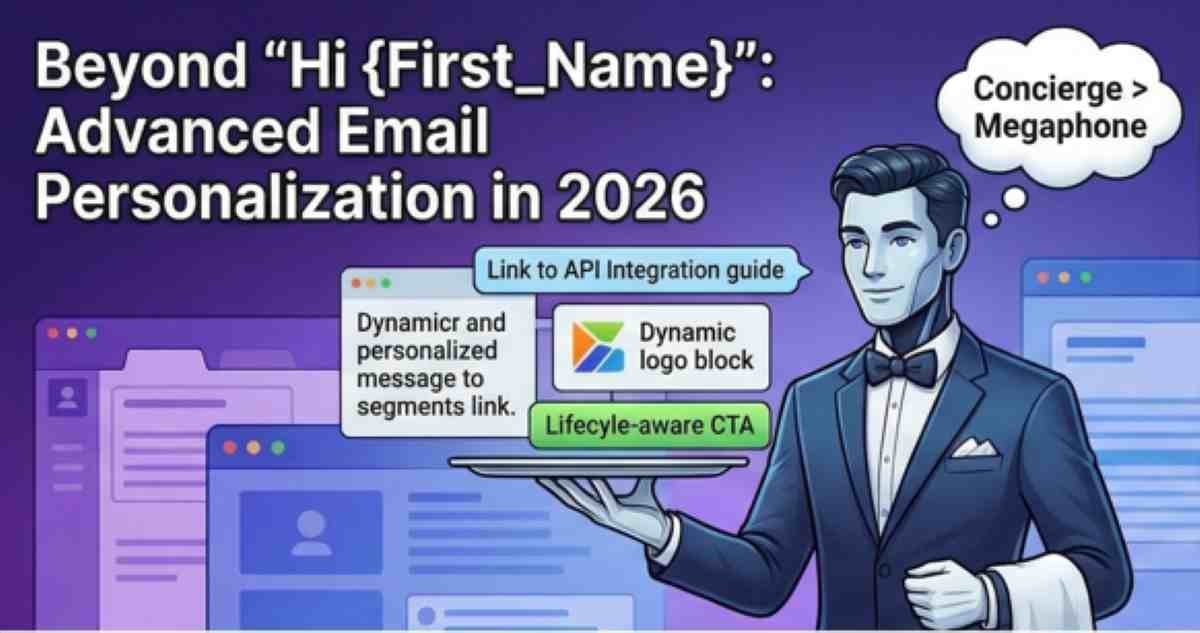
The Tactic: Use software like Klaviyo or Customer.io to trigger an automated message that includes a link to the specific API documentation or integration guide they were just viewing.
Why it works: It feels like a "happy coincidence" rather than a programmed response, providing immediate value exactly when the user is looking for it.
2. Dynamic Image & Logo Injection
Visual personalization is one of the highest-converting tactics in 2026.
The Tactic: Use mailing software that supports Dynamic Content Blocks. If you are emailing a lead at "Company X," the header image of your email should automatically pull their company logo or a screenshot of your tool integrated with their specific CRM.
Why it works: It creates an immediate psychological "fit." The prospect doesn't have to imagine how your product works for them; they can see it.
3. Lifecycle-Aware CTAs
A user who has been with your SaaS for two years shouldn't see the same "Get Started" button as a day-one trial user.
The Tactic: Configure your mailing software to swap CTAs based on Customer Lifetime Value (LTV) or account age. A power user might see a CTA for "Join our Beta Program," while a new user sees "View the Quick-Start Guide."
Why it works: It respects the user's journey and prevents "CTA fatigue."
FAQ
What is the "Creepiness Factor" in email personalization?
The "Creepiness Factor" occurs when you use data the user didn't realize they were sharing (e.g., their physical location at 3 AM). In 2026, stick to Intent and Utility. Personalization should always serve to make the user's life easier, not just to prove how much data you have on them.
How do I test if my personalization is actually working?
Don't just look at open rates. Use Holdout Groups (also known as control groups). Send a personalized version to 90% of your list and a "Generic" version to 10%. If the personalized version doesn't see a significant lift in Click-to-Open Rate (CTOR), your data points might not be relevant enough to the audience.
Is it better to use "Liquid Logic" or separate campaigns for personalization?
Use Liquid Logic (if/then/else statements) within a single campaign. Creating separate campaigns for every industry or role is a maintenance nightmare. Modern platforms like Braze allow you to build one master template that rearranges itself for every recipient based on their profile tags.
Advertisement