How to Choose the Right HRIS Software for Your Company
Advertisement
The market is saturated with "all-in-one" promises, but the "best" software isn't the one with the most features; it’s the one your team will actually use. Here is the strategic framework for navigating the selection process without losing your mind.
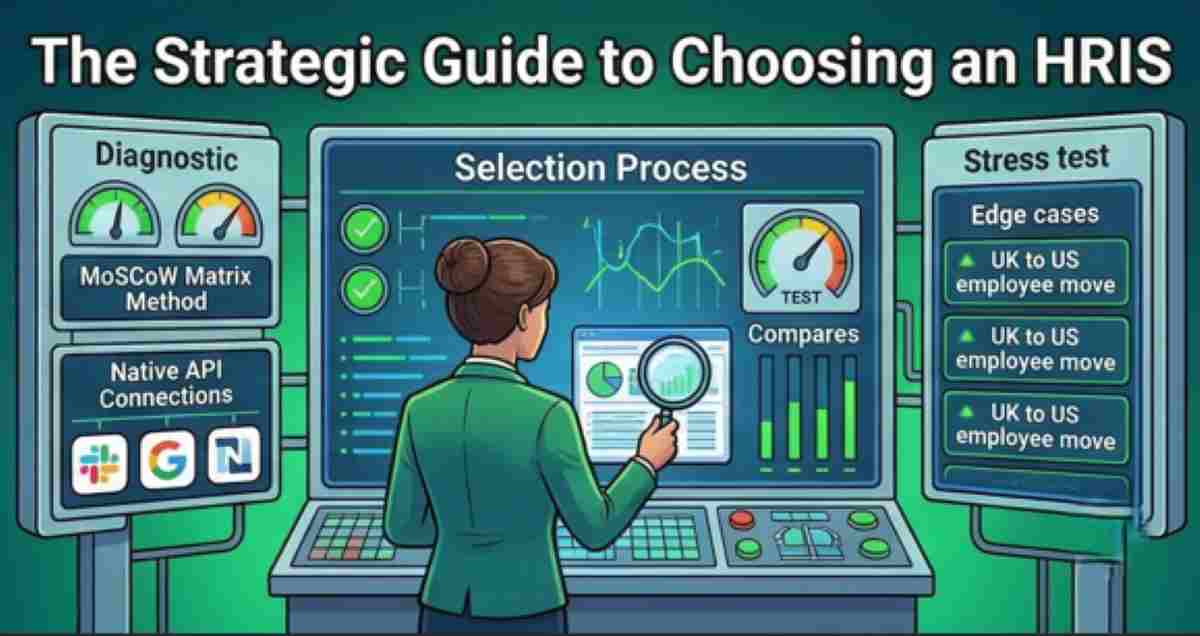
1. Conduct a "Needs Audit" (Not a Feature Wishlist)
Before looking at a single demo, you must understand your pain points. Are you struggling with global payroll? Is your onboarding process manual and messy? Or is your current reporting so bad that the CEO is making decisions based on "gut feel"?
Pro-Tip: Categorize your requirements into Must-Haves (e.g., automated tax filing), Should-Haves (e.g., performance review templates), and Nice-to-Haves (e.g., an internal social feed).
2. Assemble Your "Selection Committee"
An HRIS affects everyone, so the decision shouldn't be made by HR in a vacuum. You need buy-in from:
- Finance: To ensure the payroll and tax integrations are rock-solid.
- IT: To vet security standards and API capabilities.
- Department Managers: To see if the "Employee Self-Service" is actually intuitive.
3. Vet the "Integration Ecosystem"
In 2026, a siloed HRIS is a dead HRIS. Your software needs to talk to your Slack/Teams (for notifications), your Google/Outlook (for calendar syncing), and your accounting software (like QuickBooks or NetSuite).
The Integration Rule: If the vendor says, "We have an open API," ask to see their pre-built marketplace. Custom integrations are expensive and break often; native integrations are your best friend.
4. The "Stress Test" Demo
Vendors are experts at showing you the "happy path"—the 2-minute version of a process where everything works perfectly. Your job is to break the demo. Ask them to show you:
- How to handle an employee moving from the UK to the US mid-month.
- How to generate a custom report on turnover by department in under 60 seconds.
- The exact steps for a manager to approve a complicated time-off request on a mobile device.
FAQ
What is the "hidden cost" of a new HRIS?
Implementation fees are the most common surprise. While the monthly subscription might be $10/employee, the "White Glove" setup can range from $5,000 to $50,000 depending on the complexity of your data migration. Always ask for a flat-fee implementation quote.
How do we handle data migration from our old system?
Don't move "dirty" data. Use the switch as an opportunity to audit your records. Most modern platforms like Rippling or BambooHR provide templates for data mapping, but you should budget 20–40 hours of internal time to ensure your Excel exports are clean before importing.
Should we go with a specialized or all-in-one platform?
If you are under 500 employees, All-in-One (HRIS + Payroll + ATS) is usually better for efficiency. If you are an enterprise with 2,000+ staff, you might prefer a Best-of-Breed approach where you use a specialized tool for recruitment and sync it with your core HCM via a robust API.
Advertisement