10 Best IT Automation Tools & Software (2026)
Advertisement
10 Best IT Automation Tools to Streamline Operations
The term "IT Automation" covers a massive spectrum of software, ranging from massive data orchestration platforms for mainframes to lightweight, no-code integrations for HR software. We have analyzed the market to bring you the ten most reliable and effective automation platforms, specifically curated for modern IT teams and system administrators.
1. Ansible (Red Hat)
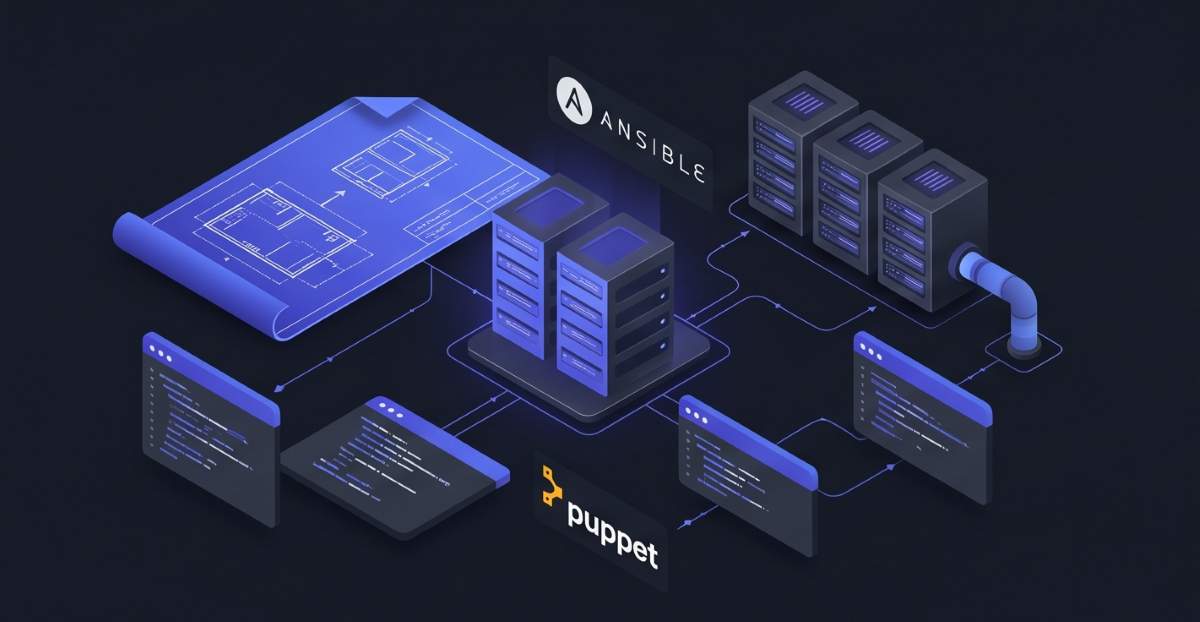
Ansible is the undisputed king of infrastructure automation. It allows IT teams to define massive server configurations, application deployments, and network setups using simple, human-readable YAML files called Playbooks.
- Agentless Operations: Connects to your servers natively via SSH, meaning you do not have to install and maintain secondary background agents on your nodes.
- Infrastructure as Code: Enforces a strict, repeatable baseline across all environments, ensuring that staging and production servers match exactly.
- Massive Community: Features "Ansible Galaxy," an enormous repository of pre-written automation scripts for almost any software imaginable.
2. Stonebranch
Stonebranch is a heavyweight workload automation platform built for complex, hybrid IT environments. It bridges the gap between legacy systems (like IBM mainframes) and modern cloud architectures (like AWS and Kubernetes).
- Event-Driven Triggers: Automatically initiates workflows based on real-time events, such as a file arriving in an S3 bucket or a specific database alert.
- Drag-and-Drop Editor: Features a highly visual workflow creator that allows administrators to orchestrate complex data transfers without writing custom scripts.
- External Reference: Explore enterprise orchestration at Stonebranch.
3. ManageEngine Endpoint Central
Formerly Desktop Central, this Unified Endpoint Management (UEM) tool specializes in automating the day-to-day administrative burdens of managing a remote workforce's devices.
- Automated Patching: Scans, tests, and deploys critical security updates to Windows, Mac, Linux, and third-party applications automatically.
- Software Deployment: Utilize thousands of pre-defined templates to silently install software on employee laptops across the globe simultaneously.
- OS Imaging: Captures and automates the deployment of "golden image" operating systems for rapid hardware onboarding.
4. Zapier
While often viewed as a general productivity tool, Zapier is heavily utilized by IT departments to build "glue" between disparate SaaS applications that lack native API integrations.
- No-Code Integrations: Connects over 5,000 different web applications, allowing IT to automate workflows like creating Jira tickets from specific Slack messages.
- Multi-Step Zaps: Capable of orchestrating complex logic, such as conditionally routing alerts to different teams based on the severity of a server error.
- Rapid Prototyping: Allows IT administrators to build automated processes in minutes rather than spending days writing custom Python webhook scripts.
5. SuperOps
SuperOps is an intelligent, unified automation platform designed specifically for Managed Service Providers (MSPs). It merges Professional Services Automation (PSA) with Remote Monitoring and Management (RMM).
- Intelligent Alerting: Uses AI to group and prioritize server alerts, automatically executing pre-written remediation scripts before a human technician even sees the ticket.
- Policy-Driven Configuration: Apply sweeping IT policies to specific client environments to ensure baseline security standards are automated.
- External Reference: See how MSPs scale at SuperOps.
6. Jenkins
Jenkins is the cornerstone of Continuous Integration and Continuous Deployment (CI/CD) automation. It is the engine that automatically tests and deploys the code your software engineers write.
- Pipeline Automation: Automatically pulls code from GitHub, runs automated unit tests, and deploys it to a staging server the moment a developer commits a change.
- Extensibility: Boasts an ecosystem of over 1,800 plugins, allowing it to integrate with virtually any testing, cloud, or communication tool on the market.
- Distributed Builds: Automates the distribution of compilation tasks across multiple machines to drastically speed up software delivery times.
7. Terraform (HashiCorp)
Terraform is the premier tool for automating the provisioning of cloud infrastructure. Instead of manually clicking through AWS dashboards to create servers, Terraform automates the creation via code.
- Multi-Cloud Automation: Use the exact same workflow to automatically provision resources in Azure, Google Cloud, and AWS simultaneously.
- Execution Plans: Generates a safe "dry run" that shows exactly what infrastructure will be created or destroyed before the automation runs.
- State Management: Maintains a strict record of your cloud environment, automatically detecting if someone made a manual change outside of the automated workflow.
8. Monday.com (IT Service Desk)
While famous for project management, Monday.com has evolved into a highly customizable IT Service Management (ITSM) automation engine for handling helpdesk tickets and asset tracking.
- Automated Routing: Uses customizable logic to automatically assign specific IT tickets to the correct specialized technician based on keyword triggers.
- Status Automations: Automatically notifies users via email or Slack when their IT request changes status (e.g., from "Pending" to "Hardware Shipped").
- Asset Lifecycle Tracking: Automatically flags IT assets when their warranties expire or when they are due for a routine security audit.
9. ConnectWise Automate
ConnectWise Automate is a heavy-duty Remote Monitoring and Management (RMM) tool utilized by massive IT departments to maintain control over thousands of remote endpoints.
- Scripting Engine: Execute complex PowerShell and VBScripts silently in the background across thousands of machines to fix common user issues without interrupting them.
- Proactive Maintenance: Schedule routine maintenance tasks like disk defragmentation, temporary file deletion, and deep virus scans to run autonomously.
- Self-Healing Protocols: Configure the system to automatically restart crashed services or clear full caches without waiting for a user to submit a ticket.
10. Puppet
Puppet is an enterprise-grade configuration automation tool that utilizes a declarative language. It forces your servers into compliance, ensuring they match the exact state you defined in your code.
- Continuous Enforcement: Puppet agents constantly run in the background. If an administrator manually changes a server setting, Puppet automatically reverts the setting to fix the "drift."
- Role-Based Automation: Group servers by their purpose (e.g., "Web Servers" or "Databases") and apply specific automated configurations to that entire group instantly.
- Compliance Reporting: Automatically generates deep audit logs detailing exactly when and how server configurations were changed.
FAQs
What is the difference between IT Automation and Orchestration?
IT Automation refers to the execution of a single, specific task without human intervention (e.g., deploying a software patch or restarting a server). Orchestration is the coordination of many automated tasks across multiple systems to complete a complex workflow (e.g., provisioning a server, installing the database, opening the firewall ports, and updating the load balancer in a specific sequence).
Do IT automation tools require coding skills?
It depends on the tool. Infrastructure tools like Ansible, Terraform, and Puppet require knowledge of YAML, JSON, or proprietary scripting languages. However, tools like Zapier or Monday.com feature highly visual, no-code interfaces that anyone can use to build automated workflows.
Are open-source automation tools secure?
Yes, open-source tools like Ansible and Jenkins are utilized by the world's largest enterprises. Their open nature means massive communities of security researchers are constantly auditing the code for vulnerabilities, often leading to faster patches than proprietary software.
Advertisement