The Architect’s Guide to Server Stability: Best CPU Stress Test Tools for SaaS
Advertisement
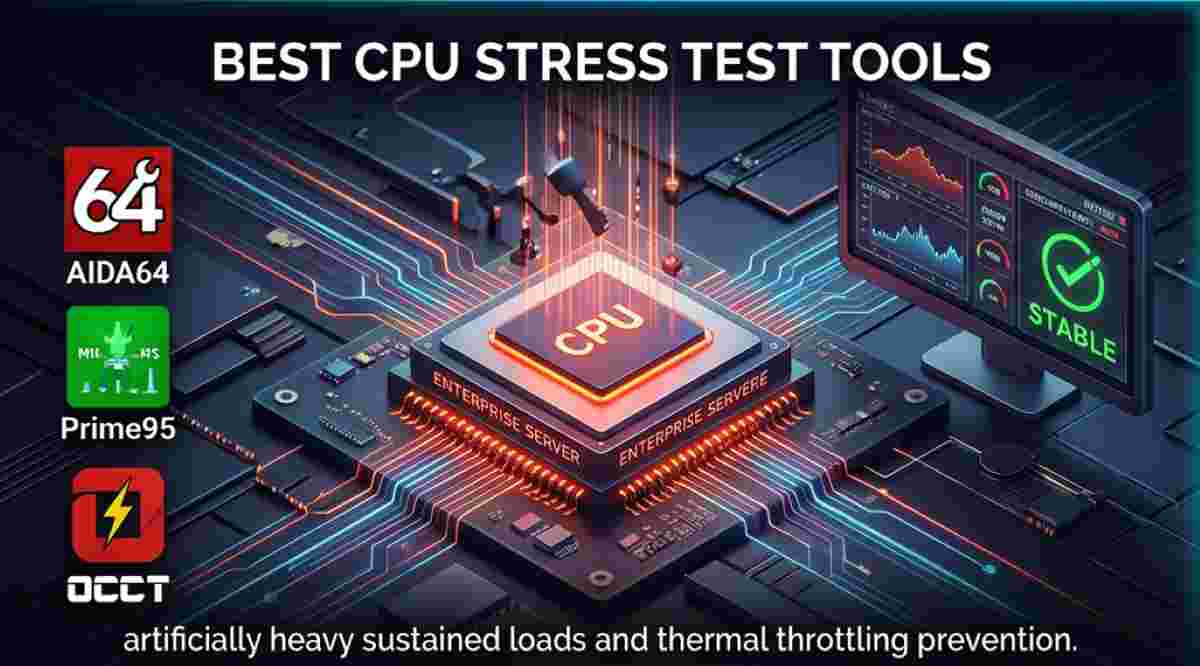
As enterprise architectures shift toward hybrid deployments, ensuring physical hardware reliability is just as critical as optimizing software code. A failing CPU core or inadequate thermal paste application can lead to silent data corruption or sudden reboots. Utilizing the best CPU stress test tools allows system administrators to validate new hardware clusters, test custom cooling solutions, and certify that data centers are ready to handle the demanding workloads of modern CRM and ERP systems.
Hardware testing protocols must align with rigorous industry standards. Organizations typically reference IEEE standards for semiconductor reliability and NIST contingency planning guidelines when establishing acceptable failure rates for server infrastructure. To understand the physical limitations being tested, engineers look at the dynamic power dissipation of the processor under a synthetic load, which generates the heat that causes thermal throttling. This is expressed as:
$$P_{dynamic} = C \cdot V^2 \cdot f$$
where $C$ is the switched load capacitance, $V$ is the supply voltage, and $f$ is the operational switching frequency. Stress tests maximize $f$ and $V$ to push the CPU to its absolute thermal limit.
| Software | Primary Focus | Testing Algorithm | Target Environment |
|---|---|---|---|
| AIDA64 Engineer | Comprehensive System Auditing | FPU / Cache / RAM Stress | Windows Servers / IT Pros |
| Prime95 | Pure CPU/Memory Burn-in | Mersenne Primes | Cross-Platform |
| Sysbench | OS-Level Benchmarking | Multi-thread Compute | Linux Data Centers |
| OCCT | Error Detection & Power Supply | Proprietary Synthetic Load | Windows Environments |
| PassMark BurnInTest | Simultaneous Subsystem Stress | Mixed Hardware Load | Production Validation |
| HeavyLoad | General Resource Exhaustion | Tree Allocation / Temp Files | Legacy Windows Systems |
| Intel Processor Diagnostic Tool | Vendor-Specific Validation | Instruction Set Verification | Intel-based Servers |
1. AIDA64 Engineer
Considered an industry standard for hardware auditing, AIDA64 provides a highly detailed system stability test that can selectively stress the CPU, FPU, cache, and system memory simultaneously or individually.
- Granular Control: Allows administrators to isolate specific sub-systems (like the Floating Point Unit) to pinpoint exact thermal weaknesses.
- Real-Time Sensor Monitoring: Interfaces seamlessly with motherboard sensors to graph voltages, fan speeds, and core temperatures during the test.
- Hardware Inventory: Generates automated, comprehensive hardware audit reports, which are vital for maintaining B2B SaaS compliance documentation.
2. Prime95
Originally developed to hunt for Mersenne prime numbers, Prime95 is legendary in the IT world for its "Torture Test" mode, which pushes CPUs and RAM to their absolute physical limits.
- Small FFTs Test: Specifically designed to fit entirely within the CPU cache, maximizing heat generation and stressing the cooling solution.
- Blend Test: Tests both the CPU cores and the physical RAM controller, exposing instability in server memory configurations.
- Cross-Platform Compatibility: Available for Windows, Linux, and macOS, making it highly versatile for mixed server environments.
3. Sysbench
Sysbench is a scriptable multi-threaded benchmark tool native to Linux. It is an absolute necessity for SaaS companies running backend infrastructure on Ubuntu or CentOS.
- OS-Level Integration: Runs natively via command line, allowing it to be easily integrated into automated CI/CD infrastructure provisioning scripts.
- Multi-threaded Validation: Can be configured to spawn thousands of concurrent threads to simulate extreme multi-tenant SaaS workloads.
- Database Synergy: Beyond CPU testing, it is natively designed to run heavy I/O tests against MySQL and PostgreSQL databases.
4. OCCT (OverClock Checking Tool)
OCCT is renowned for its strict error-checking algorithms. It is highly sensitive to hardware inconsistencies and will often detect computational errors faster than other stress tests.
- Advanced Error Detection: Automatically halts the test and alerts administrators the moment a hardware calculation error is detected.
- Power Supply Stress: Features a unique power test that simultaneously maxes out the CPU and GPU to validate the reliability of the server's Power Supply Unit (PSU).
- Data Visualization: Generates easy-to-read, graphical reports of system behavior over the duration of the test.
5. PassMark BurnInTest
PassMark is designed to validate the reliability of a complete system before it is deployed into a production environment. It is ideal for SaaS providers standing up new bare-metal racks.
- Simultaneous Testing: Stresses the CPU, hard drives, RAM, and network interfaces at the exact same time to identify power draw bottlenecks.
- Custom Test Scripts: IT teams can write custom scripts to dictate the exact duration and severity of the burn-in process.
- Compliance Certificates: Outputs detailed certificates of reliability, useful for Service Level Agreement (SLA) hardware guarantees.
6. HeavyLoad
HeavyLoad is a freeware tool designed to bring a system to its knees by exhausting physical and virtual memory, writing massive temporary files, and maxing out the CPU.
- TreeSize Integration: Excels at stressing the storage I/O subsystem simultaneously with the CPU by utilizing advanced file allocation techniques.
- Portability: Can be run directly from a USB drive without installation, making it useful for data center technicians diagnosing offline hardware.
- Resource Scaling: Users can manually dictate exactly how many processor cores should be subjected to the stress algorithm.
7. Intel Processor Diagnostic Tool (IPDT)
For data centers heavily reliant on Intel Xeon processors, the IPDT is the official vendor-approved software for verifying processor functionality and brand identification.
- Instruction Set Verification: Methodically tests specific instruction sets (like AVX or SSE) to ensure the silicon is functioning according to Intel's architectural specifications.
- Brand String Validation: Authenticates the processor to protect against counterfeit silicon being installed in enterprise supply chains.
- Temperature Monitoring: Built-in safeguards automatically abort the test if the CPU exceeds Intel's specified maximum operating temperature (Tjunction).
Frequently Asked Questions
What is the difference between CPU benchmarking and CPU stress testing?
Benchmarking measures the speed and performance of a CPU to compare it against other models (e.g., scoring a processor). Stress testing, on the other hand, intentionally maxes out the CPU for a sustained period to ensure it does not crash, overheat, or produce computational errors under heavy loads.
How long should I run a CPU stress test on a production server?
For newly assembled or recently maintained bare-metal servers, running a comprehensive stress test for 12 to 24 hours is standard industry practice. This "burn-in" period ensures that any defective silicon, faulty RAM, or poor thermal paste applications are identified before live SaaS traffic is routed to the machine.
Can CPU stress testing damage my hardware?
Modern enterprise CPUs have built-in thermal safeguards (thermal throttling) that will slow down the processor or shut down the system if it gets too hot. However, if a server has an inadequate cooling system or a failing power supply, a stress test can push those weak components to the point of permanent failure—which is exactly what the test is designed to uncover before production deployment.
Advertisement