10 Best Wireshark Alternatives & Packet Analyzers (2026)
Advertisement
10 Best Wireshark Alternatives for Protocol Analysis
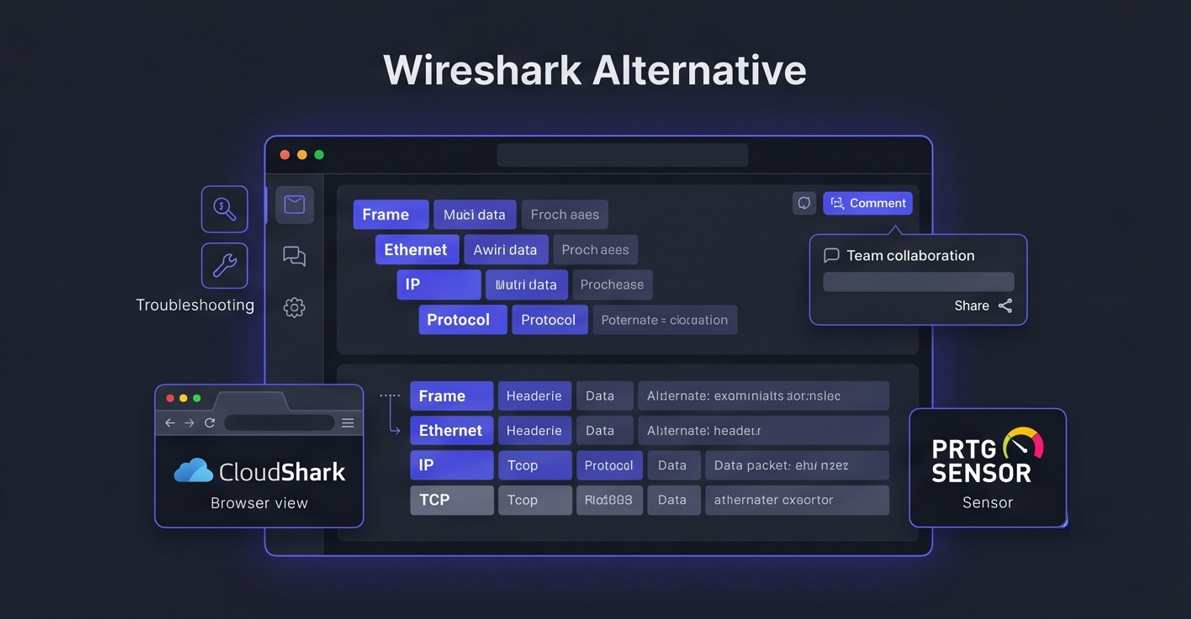
Packet analysis involves capturing raw binary data from a network interface and translating it into a human-readable format known as a "protocol decode." To understand how these tools work, it is helpful to visualize how a single packet is inspected layer-by-layer.
We have analyzed the top alternatives to Wireshark, focusing on ease of use, cloud capabilities, and specialized features for WiFi or microservice environments. Here are the ten best packet analyzers available in 2026.
1. CloudShark
CloudShark is essentially "Wireshark for the web." It allows teams to upload, analyze, and share packet captures (PCAP files) through a browser interface, making it the premier choice for collaborative network forensics.
- Browser-Based Analysis: Eliminates the need for every team member to install a local client; simply share a URL to a specific packet or conversation.
- Deep Search & Filtering: Includes a powerful query language that allows you to comb through massive capture files hosted in the cloud.
- External Reference: Explore the platform at CloudShark.
2. Paessler PRTG
Paessler PRTG incorporates packet sniffing into its massive infrastructure monitoring suite. It is ideal for Windows users who want to see "top talker" data without digging into individual bit-level packet headers.
- Packet Sniffer Sensor: Automatically categorizes traffic by protocol (HTTP, FTP, DNS) to show you exactly which applications are consuming bandwidth.
- Visual Dashboards: Provides high-level graphs of network traffic patterns alongside server health and ping metrics.
- Low Noise: Focuses on metadata and traffic volume rather than full packet payloads, reducing storage requirements for long-term monitoring.
3. Tcpdump
Tcpdump is the classic, bare-bones packet sniffer natively available on almost all Linux and Unix systems. It is the tool of choice for remote server administration via SSH.
- Minimal Footprint: Consumes virtually zero system resources, allowing it to run safely on production servers during live outages.
- PCAP Integration: Capture traffic on a headless server using the command line and export the file to another tool for visual analysis.
- External Reference: View the man pages and documentation at Tcpdump.
4. SolarWinds Network Performance Monitor
SolarWinds NPM includes deep packet inspection (DPI) capabilities that help IT professionals determine whether a performance issue is caused by the network or the application itself.
- Quality of Experience (QoE): Analyzes packet response times to give a clear score of the user experience for specific web applications.
- Step-by-Step Path Analysis: Visualizes every hop a packet takes through your infrastructure to locate hidden latency points.
- Automated Alerts: Triggers notifications the moment a specific protocol's response time exceeds your defined thresholds.
5. Savvius Omnipeek
Omnipeek is a high-end enterprise network analyzer designed for deep forensic analysis of complex network problems, including voice-over-IP (VoIP) and high-speed wireless traffic.
- Expert Diagnostics: Automatically identifies common network problems like TCP retransmissions or slow handshake responses.
- Multi-Segment Analysis: Allows you to compare captures from different parts of the network simultaneously to find where a packet was dropped.
- Voice & Video Analysis: Features specialized decodes for media streams to diagnose jitter, packet loss, and call quality issues.
6. Colasoft Capsa
Capsa is a professional-grade network analyzer for Windows that provides incredibly detailed traffic monitoring and security analysis in a user-friendly interface.
- Conversation Mapping: Visually displays the connections between all IP addresses on your network to identify rogue actors or data exfiltration.
- Security Analysis: Actively monitors for ARP attacks, DDoS attempts, and port scans in real-time.
- Customizable Reports: Generates detailed PDF summaries of network usage, protocol distribution, and top bandwidth consumers.
7. Sysdig (Cloud-Native)
Sysdig is built specifically for the era of Kubernetes and Docker. It treats packet analysis as a system-level observability problem, capturing the interactions between containers and microservices.
- Container Visibility: Can see inside encrypted container traffic by tapping into the system calls at the Linux kernel level.
- Incident Snapshots: Automatically captures all system activity and network traffic the moment a security policy is breached.
- Microservice Tracing: Maps how requests flow between different containerized services to identify latency in distributed architectures.
8. ManageEngine NetFlow Analyzer
While not a bit-level sniffer like Wireshark, NetFlow Analyzer provides broad-stroke visibility into traffic flows. It is essential for understanding "who is doing what" on a large enterprise network.
- Flow-Based Monitoring: Analyzes exported flow data from routers (NetFlow, sFlow, J-Flow) to identify bandwidth-heavy users.
- Threshold Alerts: Notifies administrators when a specific office branch or server exceeds its predicted bandwidth usage.
- Capacity Planning: Uses historical data to forecast when you will need to upgrade your internet or WAN links.
9. Aircrack-ng
Aircrack-ng is a specialized suite of tools for auditing wireless networks. It is the gold standard for capturing raw 802.11 frames to test Wi-Fi encryption and security.
- Monitor Mode Support: Capable of capturing packets from any wireless network within range, even if the device isn't connected to it.
- Packet Injection: Can inject forged packets into a wireless stream to test firewall response or force de-authentication.
- WPA Cracking: Includes tools to capture cryptographic handshakes and test the strength of Wi-Fi passwords.
10. Mojo Packets (Arista)
Mojo Packets (now part of Arista Networks) is a cloud-native WiFi troubleshooting platform that simplifies the analysis of complex wireless packet captures for non-experts.
- Cloud Visualizer: Drag and drop a WiFi PCAP file into the browser to get an instant, graphical breakdown of client-router interactions.
- Automated Root Cause: Uses a specialized engine to tell you exactly why a device failed to connect to the Wi-Fi (e.g., DHCP failure vs. bad password).
- Visual Timeline: Presents packet sequences in a linear timeline, making it easy to see where a 4-way handshake failed.
FAQs
Is Wireshark hard to learn?
Yes, Wireshark is incredibly deep. While opening a file is easy, understanding the thousands of protocol fields and writing complex display filters (like tcp.analysis.retransmission) requires significant networking knowledge. Alternatives like PRTG or CloudShark aim to simplify this process.
What is the difference between a Packet Sniffer and a Flow Analyzer?
A packet sniffer (like Wireshark or tcpdump) records every single bit of data in a message, including the "payload" (like the text of an email). A flow analyzer (like NetFlow Analyzer) only records the "envelope"—the sender, receiver, protocol, and size of the message—making it much more efficient for large-scale monitoring.
Can I use these tools on my local Wi-Fi?
Most of these tools work on any network interface. However, capturing *other* people's traffic on a Wi-Fi network requires your wireless card to support "Monitor Mode." Without it, you can only see traffic specifically intended for your computer.