Reclaiming the Calendar: 7 PM Features Every Agency Director Needs
Advertisement
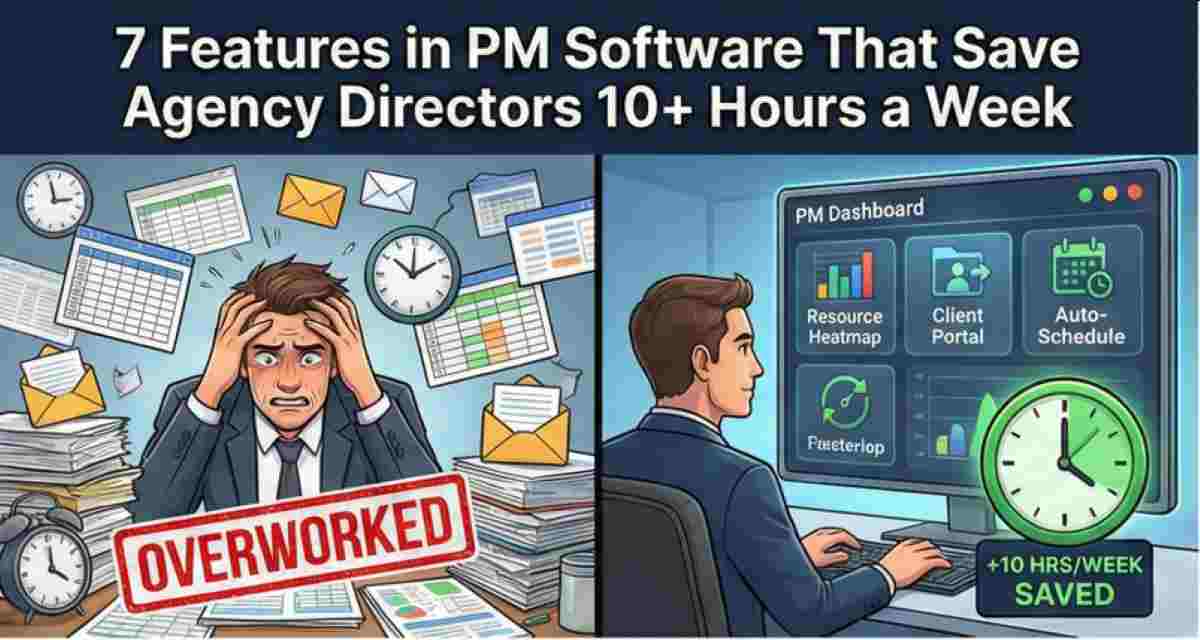
In 2026, the gap between a struggling agency and a high-margin powerhouse is the sophistication of their project management (PM) stack. If you aren't using your PM software to do the heavy lifting, you aren't a director; you’re an overqualified coordinator. Here are the seven features that will give you back your Friday afternoons.
1. Dynamic Resource Allocation
Stop using spreadsheets to guess who is busy. Modern PM tools like Productive or Mavenlink allow you to see "Real-Time Heatmaps" of your team’s capacity. If a designer is overbooked, you can drag-and-drop tasks to a freelancer instantly.
Result: No more "Who has bandwidth?" Slack threads.
2. Automated Client Status Portals
Chasing "Quick Updates" from clients is a time-sink. Features like Monday.com’s "Guest View" or ClickUp’s public boards allow clients to see progress in real-time without you sending a single email.
Result: Eliminating the "Where are we on this?" check-in.
3. Dependency-Based Auto-Scheduling
In the old days, if a client delayed a feedback loop by two days, you had to manually move every subsequent task. "Auto-Shift" features ensure that when the "Kickoff" moves, every dependent task moves with it.
4. Smart Billing & Time-Tracking Integration
If your project management isn't tied to your invoicing, you're leaking revenue. Tools like Harvest integrated into Asana allow you to turn tracked hours into line-item invoices with one click.
5. Template-Based Project Spin-up
Agencies often repeat 80% of their workflows. Using "Global Templates" to launch a new "Logo Design" or "SEO Audit" project ensures every sub-task, tag, and deadline is set in 60 seconds.
6. AI-Driven Risk Detection
The most advanced features in 2026 are predictive. Some PM tools now flag "At-Risk" projects based on historical patterns (e.g., "This client usually takes 4 days to approve, we will miss the deadline").
Result: Preventing fires before they start.
7. Centralized Multi-Project Dashboards
Directors don't need to see the "Tasks." They need to see the "Trends." A high-level dashboard that pulls data from 20 active projects into one "Health Score" view is the ultimate time-saver.
FAQ
Is it worth switching PM tools just for one feature?
Usually, no. The "Switching Cost" in an agency is high because of team retraining. However, if your current tool lacks Resource Allocation or Client Portals, you are likely losing enough billable time to justify a move during a slow quarter.
How do I get my creative team to actually track their time?
Make it a "Non-Negotiable" part of the culture, but simplify the tech. Use tools with "One-Click" timers or "Passive Tracking" features. If it takes more than 10 seconds to log time, they won't do it.
Which PM tool is best for small agencies vs. large ones?
For teams under 15, ClickUp or Asana offer the best flexibility. For agencies with 50+ staff, you need "Agency Operations" software like Productive or Workamajig that handles complex overhead and profit margins.
Advertisement