The Velocity Killer: Why Task Overload is Draining Your Engineering Talent
Advertisement
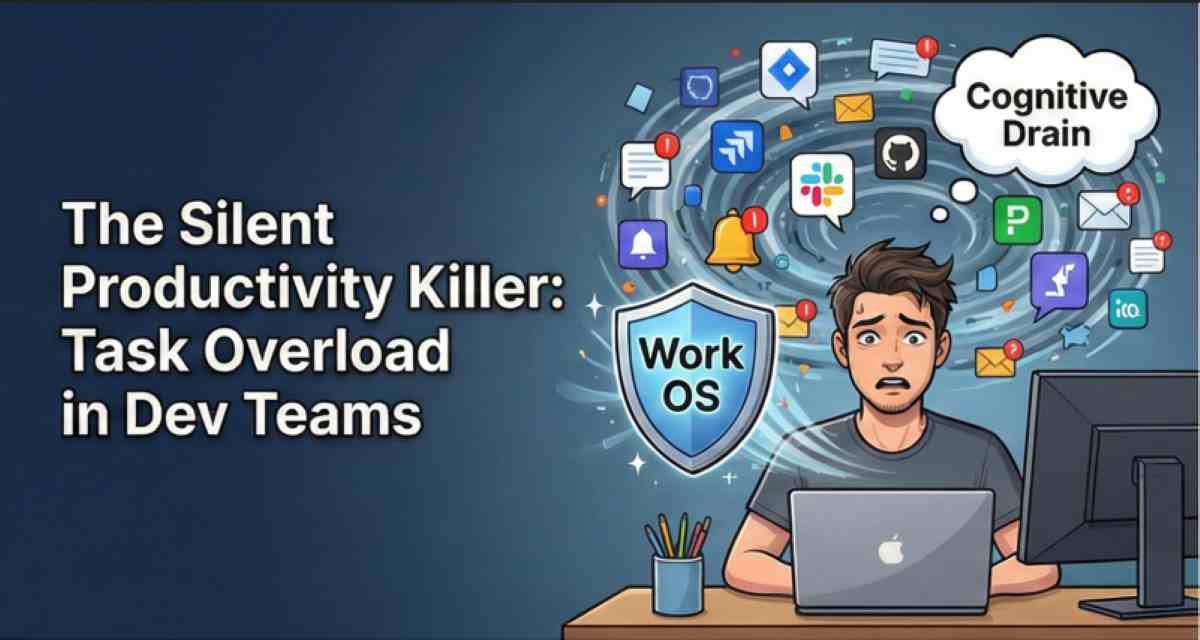
Task overload isn't just about having too much to do; it’s about the fragmentation of focus. For a developer, every task carries a "context switch tax." Moving from a complex backend bug to a minor CSS tweak, and then into a sprint planning meeting, costs roughly 20% of their mental bandwidth per switch. By mid-afternoon, your most talented engineers are operating at half-capacity.
The solution isn't a better to-do list; it’s a Work OS (Work Operating System) that prioritizes flow over friction.
The Anatomy of Task Overload
Task overload in dev teams usually manifests in three ways:
- The Ticket Blizzard: A backlog that grows faster than the team can ship, leading to "priority fatigue" where everything feels urgent.
- Notification Chaos: Constant pings from Jira, GitHub, Slack, and PagerDuty that shatter "Deep Work" sessions.
- Dependency Debt: Waiting on code reviews or QA, leading engineers to start new tasks while waiting, further cluttering their mental space.
How a Work OS Fixes the Machine
A Work OS—like Linear, Monday.com Dev, or ClickUp—is different from traditional project management. It’s an integrated environment that automates the "meta-work."
1. Automated Workflow State-Changes
A Work OS connects directly to your repo (GitHub/GitLab). When a developer opens a Pull Request, the Work OS automatically moves the ticket to "In Review." This removes the manual admin burden from the engineer and provides a real-time source of truth for stakeholders.
2. Cognitive Load Balancing
Modern Work OS platforms feature "Workload View." Instead of assigning tickets blindly, Managers can see a real-time heatmap of effort. If an engineer has three "High Complexity" tasks, the system can block new assignments, protecting the developer from burnout.
3. Contextual Documentation
Nothing kills momentum like hunting for a spec. A Work OS embeds the documentation (PRDs, Figma files, API docs) directly into the task. The engineer never has to leave their "Flow State" to find the information they need to finish the job.
FAQ
What is the difference between a Work OS and a standard Project Management tool?
A standard tool is a static database of tasks. A Work OS is an extensible platform that automates workflows, integrates with your entire tech stack (IDE, GitHub, Slack), and allows you to build custom logic to manage how work moves through the organization.
How do I convince my team to adopt a new Work OS?
Focus on the "Noise Reduction." Tell your engineers: "This tool will automate your status updates so you never have to manually move a Jira ticket again." When they realize the tool buys them more "Deep Work" time, they will become your biggest advocates.
Does a Work OS replace Slack?
No, but it should reduce the need for Slack. Most "What is the status of X?" questions disappear when the Work OS provides a real-time, automated dashboard. This allows Slack to return to what it's best at: quick, ephemeral communication.
Advertisement