10 Best Heatmap Software Tools for CRO (2026)
Advertisement
10 Best Heatmap Software Tools (2026)
By transforming raw engagement data into intuitive thermal overlays, marketing teams can pinpoint friction, identify ignored CTAs, and streamline the user journey without relying on guesswork. When deploying tracking scripts on your digital properties, it is imperative to ensure strict compliance with international data privacy regulations, such as the frameworks provided by GDPR.eu. Furthermore, using heatmap insights to ensure your optimized interfaces remain navigable for everyone is a best practice supported by the W3C Web Accessibility Initiative.
We have rigorously tested the industry's leading behavioral analytics platforms to bring you the ten best heatmap software tools available today, focusing on data accuracy, session recording quality, and ease of deployment.
1. Hotjar
Hotjar is widely considered the industry standard for user behavior analytics. It offers a comprehensive suite that beautifully combines heatmaps with qualitative feedback tools, making it a favorite for marketing and UX teams alike.
- Continuous Capture: Automatically tracks user interactions across your entire site, generating click, move, and scroll heatmaps without requiring you to manually define which pages to track.
- Integrated Feedback: Allows you to deploy targeted on-site polls and surveys directly on pages where heatmaps indicate high drop-off rates, helping you uncover the "why" behind user behavior.
- Product Link: You can explore their complete suite of behavioral analytics directly at Hotjar.
2. Microsoft Clarity
Microsoft Clarity disrupted the analytics market by offering an incredibly powerful, AI-driven heatmap and session recording tool completely for free. It is an exceptional choice for businesses looking for enterprise-grade insights with zero financial overhead.
- Unlimited Traffic: Unlike many competitors, Clarity imposes no traffic limits or paywalls, allowing you to generate heatmaps and record sessions for millions of visitors at no cost.
- Frustration Signals: Automatically identifies and highlights "Rage Clicks" and "Dead Clicks," instantly showing you exactly which UI elements are confusing or broken.
- Copilot AI: Features an integrated AI assistant that summarizes long session recordings and highlights key behavioral takeaways in plain text.
3. Crazy Egg
Created by digital marketing pioneer Neil Patel, Crazy Egg focuses heavily on visual reports and A/B testing. It is specifically designed to help marketers boost conversions rapidly.
- Confetti Report: Breaks down heatmap clicks by highly specific user segments, allowing you to see if users arriving from a Google Ad interact differently than those arriving from an organic search.
- Built-In A/B Testing: Seamlessly integrate your heatmap findings directly into live A/B tests, modifying page elements within the editor without needing a developer.
- Snapshot Overlays: Shows the exact percentage and raw number of clicks occurring on every single element of your webpage in an easy-to-read list format.
4. FullStory
FullStory is an enterprise-level Digital Experience Intelligence (DXI) platform. It is highly favored by technical product teams and engineers who need deep, searchable session analysis alongside their heatmaps.
- Omni-Search Engine: Automatically indexes every single user interaction. You can instantly search your entire database for events like "clicked 'submit' but encountered an error message."
- Advanced Funnels: Build highly complex conversion funnels on the fly and generate specific heatmaps for users who dropped off at specific funnel stages.
- Performance Correlation: Correlates frontend user behavior with backend technical performance, showing how slow loading times or JavaScript errors impact user clicks.
5. Smartlook
Smartlook excels by offering robust analytics for both traditional websites and native mobile applications (iOS and Android). It is perfect for companies with cross-platform digital products.
- Always-On Recording: Records every user session retroactively. If you notice a sudden dip in conversions, you can immediately pull up the heatmaps from the exact moment the dip occurred.
- Cross-Device Tracking: Visualizes how user behavior transitions between your web app and your mobile app, providing a holistic view of the customer journey.
- Event Tracking API: Easily define custom events without coding, allowing the heatmap software to track highly specific interactions tailored to your SaaS product.
6. Lucky Orange
Lucky Orange is a dynamic conversion optimization suite that offers real-time visitor tracking alongside its dynamic heatmaps. It is highly popular among e-commerce brands and inside sales teams.
- Live Visitor Tracking: Watch users navigate your site in real-time. If you see them struggling on a heatmap, you can proactively trigger a live chat to offer assistance.
- Dynamic Element Heatmaps: Accurately tracks clicks on dynamic web elements like pop-ups, drop-down menus, and expanding accordions that static heatmap tools often miss.
- Form Analytics: Identifies exactly which field in your lead generation form causes users to abandon the page.
7. Mouseflow
Mouseflow is a veteran in the behavior analytics space, known for its deep focus on friction scores and form optimization. It is an excellent mid-market solution.
- Friction Score System: Automatically analyzes all recorded sessions and assigns a "Friction Score" to heatmaps, instantly prioritizing which pages require your immediate attention.
- Geo-Heatmaps: Visualizes how visitor behavior changes based on their geographic location, which is incredibly useful for localized marketing campaigns.
- Out-of-the-Box Funnels: Automatically tracks the user journey from landing page to checkout, overlaying heatmap data onto each step of the funnel.
8. Plerdy
Plerdy is a unique hybrid tool that combines traditional heatmap and CRO capabilities with deep SEO analytics. It is perfect for marketers who wear multiple hats.
- SEO Checker Integration: Correlates user click behavior with on-page SEO metrics, helping you understand how technical site health impacts user engagement.
- Event Tracking Accuracy: Records clicks on elements rather than specific screen coordinates, ensuring heatmap accuracy even if your responsive layout shifts across different devices.
- Pop-Up Tracking: Specialized tracking capabilities specifically for evaluating the interaction rates and closing behaviors associated with lead generation pop-ups.
9. Inspectlet
Inspectlet provides a highly powerful session recording and heatmap platform that also includes robust error logging capabilities, making it a great bridge tool between marketing and IT.
- Eye-Tracking Heatmaps: Uses advanced algorithms that correlate mouse movement to eye movement, predicting exactly where a user's attention is focused on the page.
- Error Logging: Captures any JavaScript errors the user encounters in their browser console and links them directly to the corresponding session recording and heatmap.
- A/B Testing Native Engine: Allows you to rapidly deploy visual changes to a webpage and measure the resulting heatmap shifts in real-time.
10. UXCam
Unlike the other tools on this list, UXCam is explicitly built for native mobile applications. It is the definitive heatmap solution for iOS and Android app developers.
- Mobile-First Heatmaps: Designed specifically for touch interactions, capturing taps, double-taps, long presses, and swipe gestures with pinpoint accuracy.
- Screen Flow Analysis: Visualizes the most common paths users take through your mobile app, identifying where they get lost or frustrated.
- Secure Data Obfuscation: Automatically hides sensitive user data (like passwords and credit card numbers) on the device level before the screen recording is sent to the dashboard.
FAQs
What is a heatmap?
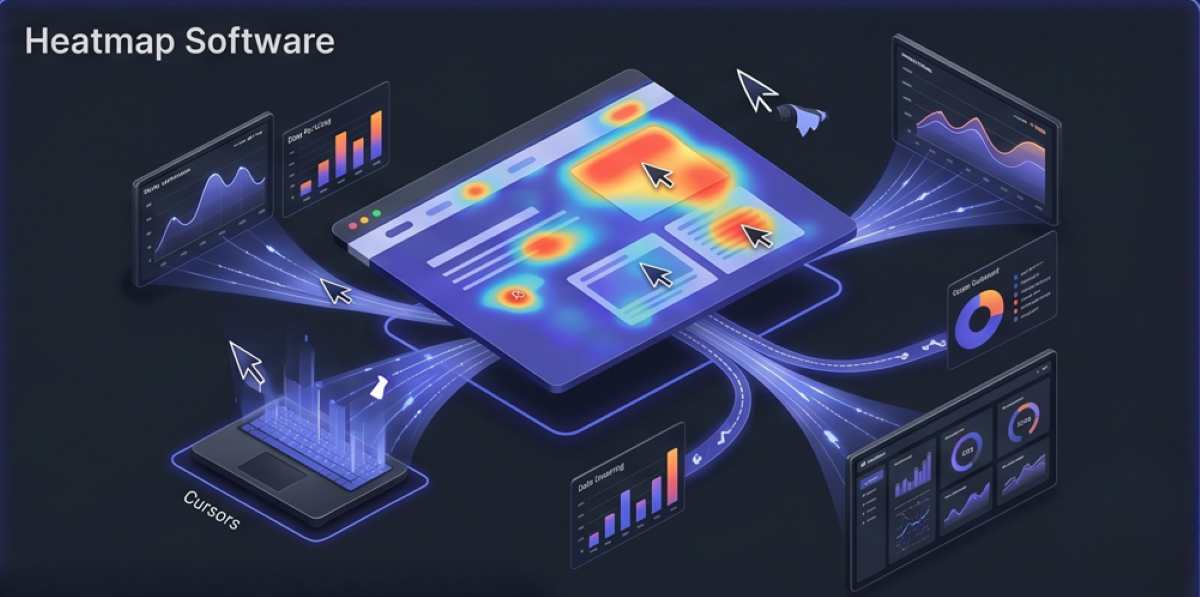
A heatmap is a visual representation of data where values are depicted by color. In website analytics, heatmaps use a warm-to-cool color spectrum to show exactly where users click, how far they scroll down a page, and where they move their mouse, helping you understand their behavior at a glance.
Do heatmaps slow down my website?
Modern heatmap tools use asynchronous JavaScript loading, meaning their tracking scripts load in the background independently of your main website content. While any third-party script adds a negligible amount of weight, top-tier tools like Hotjar and Microsoft Clarity are highly optimized and should not noticeably impact your page load speed.
Can heatmap software track dynamic elements like drop-down menus?
Yes, advanced heatmap tools (such as Lucky Orange and FullStory) are designed to handle dynamic HTML environments. They track interactions with expanding menus, pop-ups, and single-page applications (SPAs) accurately by tracking the specific DOM element clicked rather than just the X/Y coordinates on the screen.
Advertisement